Know who is stopping you, before anyone approaches.
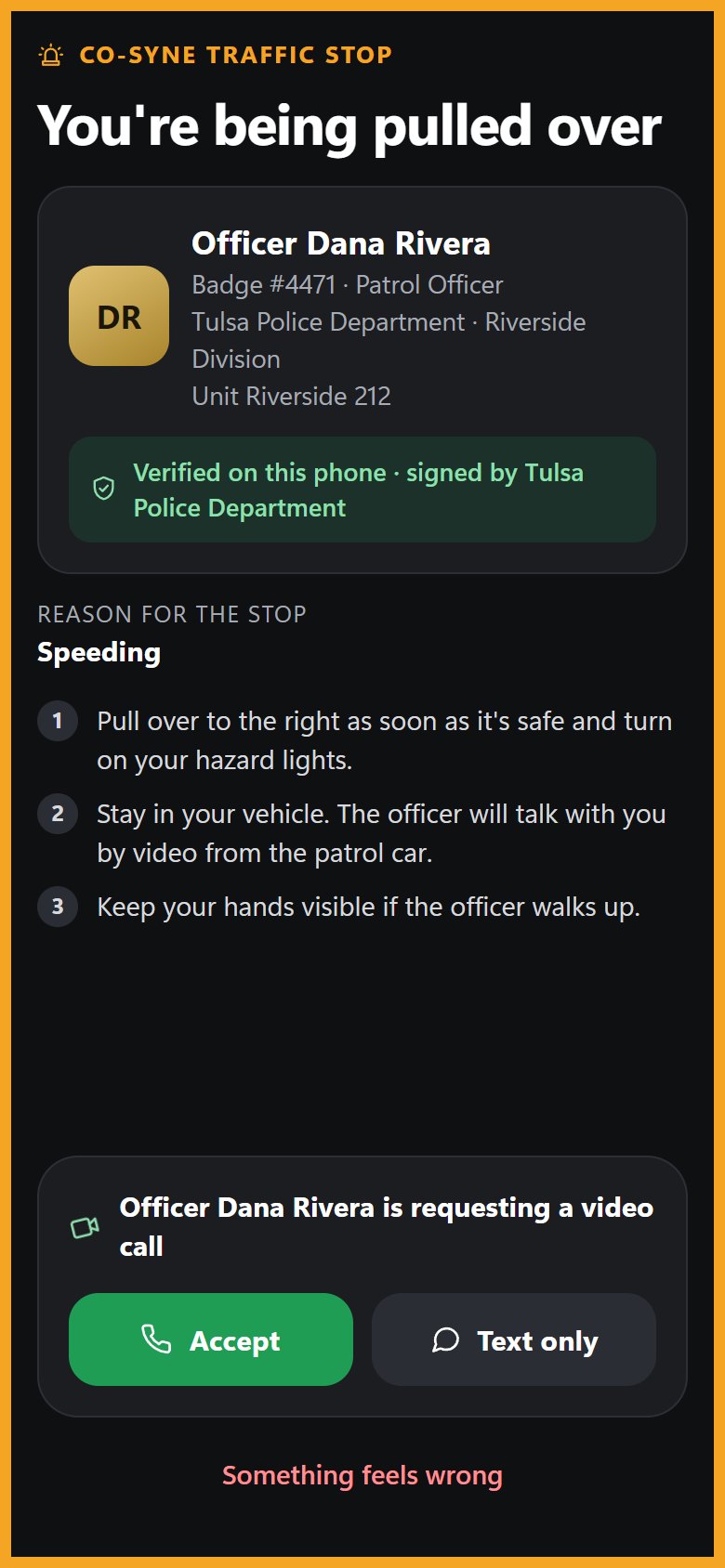
The CO-SYNE Driver app puts a verified digital ID on your phone and alerts you the moment an officer starts a stop, with their verified name, badge, agency and the reason. You can talk from your seat, by video or by text.
Works on iPhone (iOS 16.4 or later) and Android.

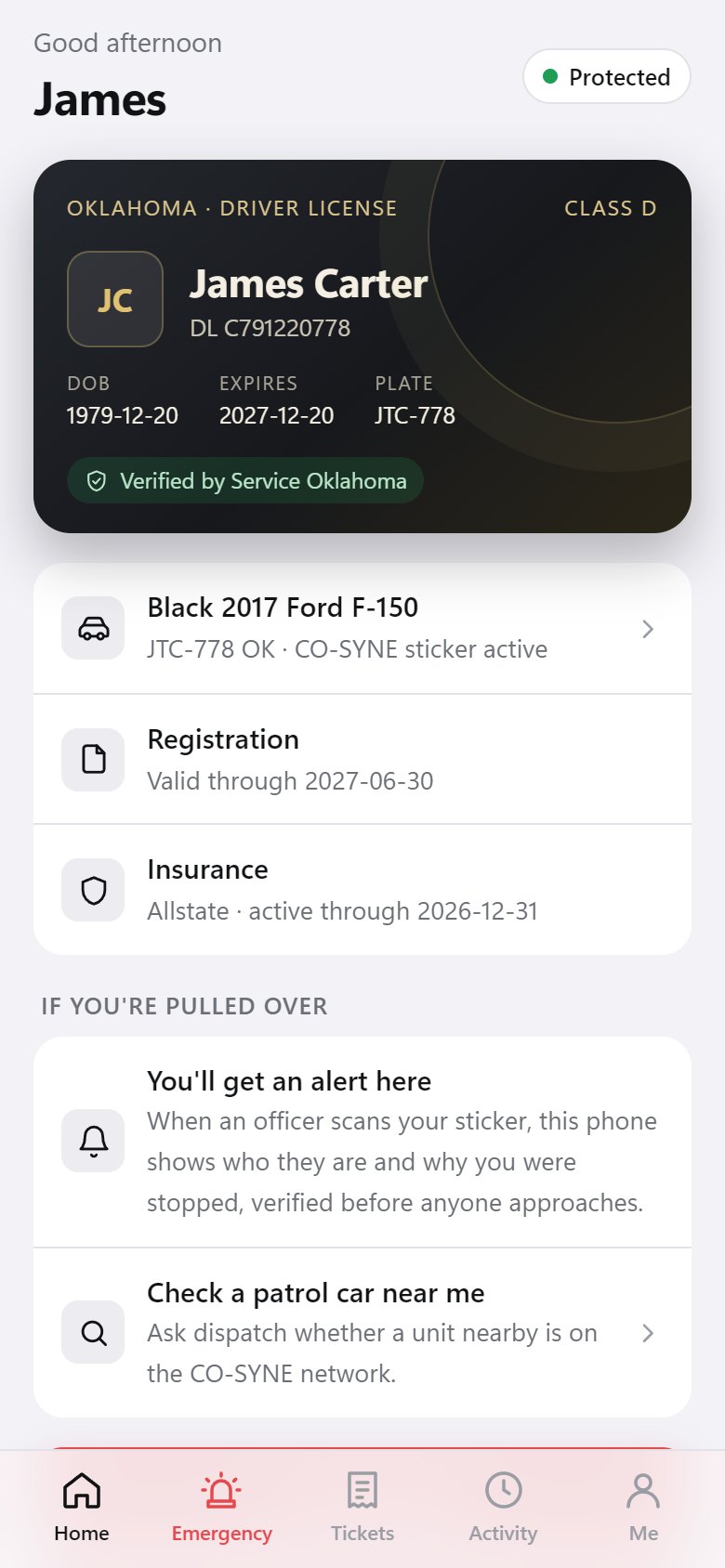
Everything you need at the roadside
Pull-over alerts
Even with the app closed or your phone locked, you get the officer's verified identity and the reason, with Accept video or Text only.
Verified on your phone
Your phone checks the officer's credential against the agency's published key itself. If it fails, you get a clear warning and 911 is alerted.
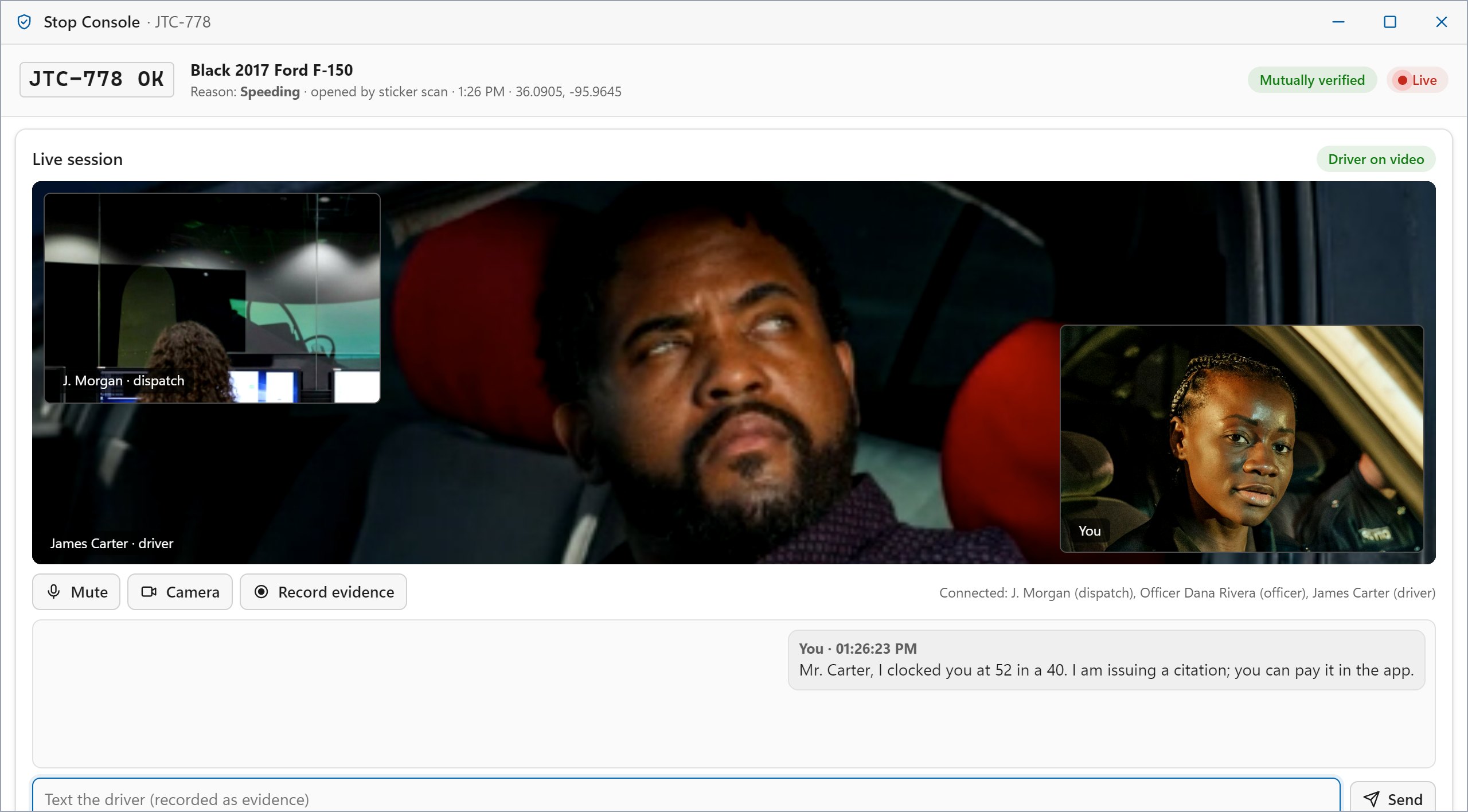
Stay in your car
Talk with the officer by video and voice from your seat. Dispatch can join if needed, and the session is recorded as evidence.
Digital ID and vehicle
Your license, registration and insurance in one place, and still available offline when you have no signal.
Tickets on your phone
Citations and warnings arrive signed by the officer. Acknowledge receipt, pay, or request a court date. A receipt is not an admission.
One-tap emergency
Medical, crash, fire, danger or breakdown: your location, vehicle and ID go straight to 911, and your location keeps updating.
Your needs, shared before the conversation starts
Add notes such as hearing loss, autism or a medical condition to your CO-SYNE ID. Officers see them on their terminal at the start of the stop.
- Text-only stopsChoose Text only and communicate entirely in writing, ideal for Deaf and hard-of-hearing drivers.
- Accommodations up frontThe officer's console highlights your accommodation note next to your verified license.
- Clear, calm guidanceSimple steps on screen: pull over safely, stay in the vehicle, keep hands visible.
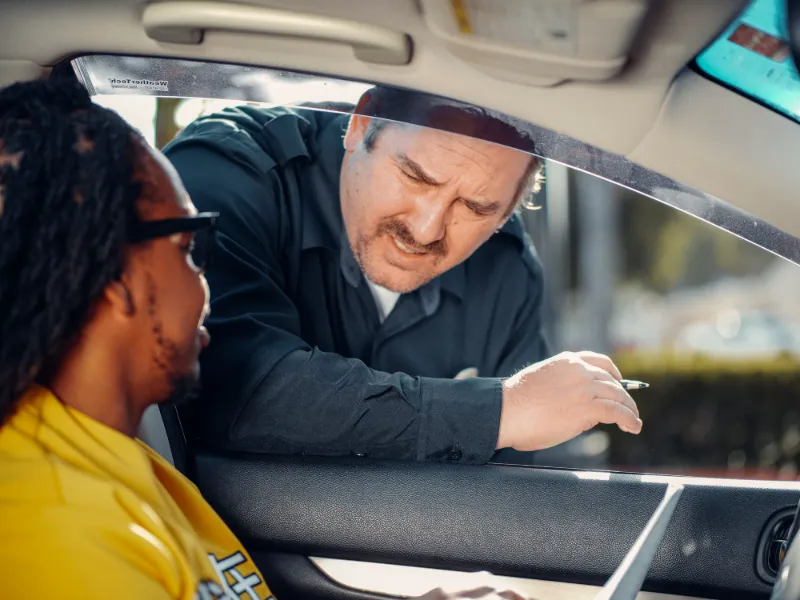
The alert comes to you
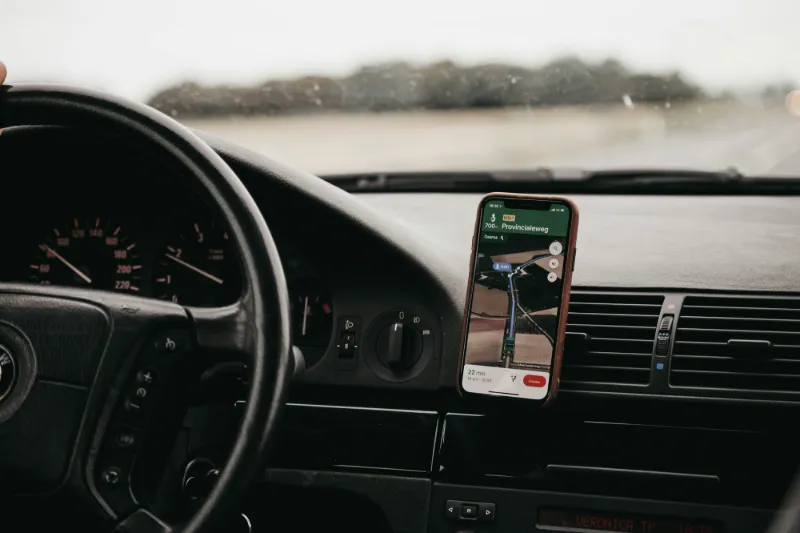
When an officer starts a stop, your phone lights up with who they are and why you were stopped, even when CO-SYNE is closed or your phone is locked in its mount.
- Verified, before the approachName, badge, agency and reason, checked on your phone.
- Accept video or text onlyTalk from your seat, in the way that works for you.
- A warning if anything is wrongIf the officer can't be verified, you'll know right away, and 911 is alerted.
Set up in three minutes
Install the app
iPhone: open the Driver app in Safari, tap Share, then Add to Home Screen. Android: open it in Chrome and tap Install.
Install instructions and QR codeRegister your license
Create your CO-SYNE ID. In production, the state confirms your identity before your credential is issued.
Open the Driver appTurn on alerts and add your sticker
Allow notifications, then print your CO-SYNE bumper sticker or window cling from the Me tab.
About the stickersYour privacy
Your key stays on your phone
Your ID is bound to a private key created on your phone. It is never sent to CO-SYNE, so a copied ID can't be used by anyone else.
Your sticker holds a link only
The QR code on your sticker contains a link, never your name, address or license details.
Recordings stay with you
Recordings stay on the device that made them. Only a fingerprint is stored, so any later edit can be detected.
Drive with confidence
Install the CO-SYNE Driver app and turn on alerts. It takes a few minutes and works on the phone you already have.